
A change of season is the perfect time to update your phone wallpaper or lock screen, and the redesigned Lock Screen on iOS 16 offers more ways than ever to customize your phone. Whether you want to highlight some of your favorite recent photos, add an inspiring quote, or just create a cozier look, a well-designed background is important. (After all, how many times do you look at your phone each day?) Luckily, we’ve created tons of fun new iOS 16 lock screens so that you can get just the look you’re going for. (And don’t worry, Android users! You can use these free designs, too!)

Here’s how you find them:
- Make sure you’ve updated to the latest version of PicCollage
- Open the app and go to the Templates category
- Tap the “Categories” button in the top left corner
- Scroll to the bottom and tap “iOS 16 Lock Screens”
See a couple of our favorite designs below. (Psstt.. these are all free!)
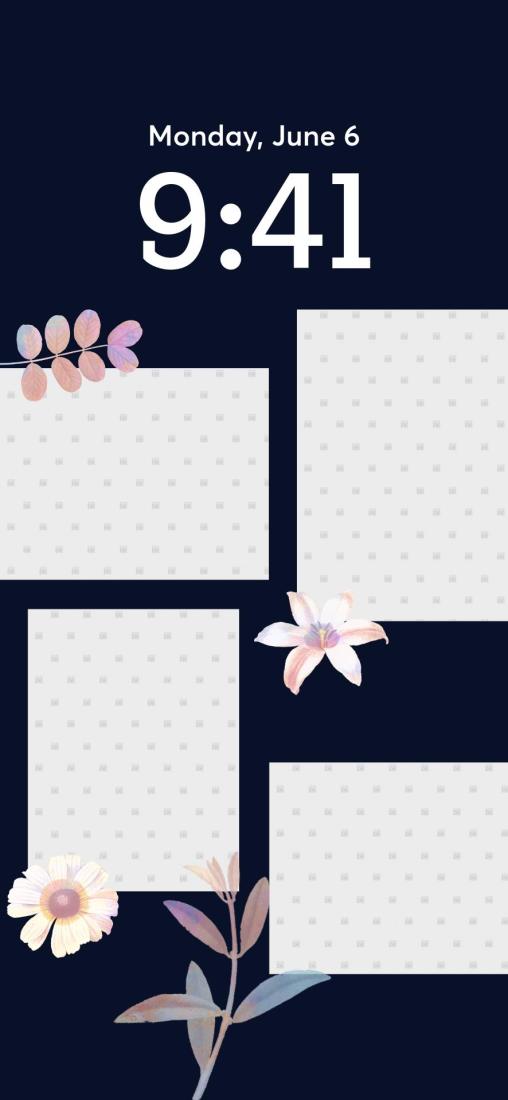


Whatever vibe you’re going for this autumn, PicCollage has a template to make your phone reflective of your mood. Be sure to follow along on Instagram for daily inspiration and tag us at @piccollage so we can see your creations!
